
AI Sway Dance Effect
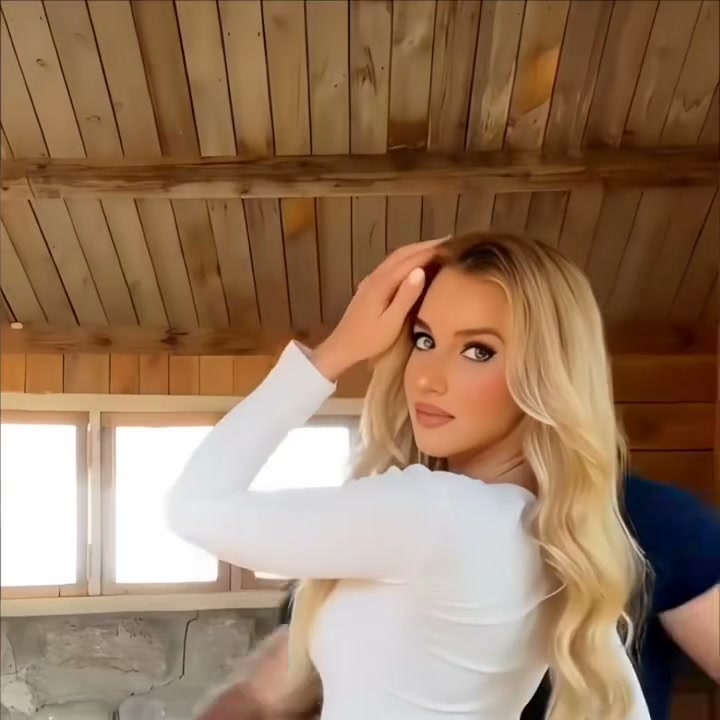
Turn a selfie, portrait, or couple photo into a smooth AI sway dance video with rhythmic motion and short-form-video energy.
ai sway dance effect · ai sway dance · photo sway dance effect · ai dance video from photo · photo to dance video
Original viral sway dance
Create Trending AI Sway Dance Effect Videos from Photos
The AI Sway Dance page is optimized for motion transfer: upload one photo, choose a sway dance reference clip, and generate a smooth social-ready dance video.
Smooth dance motion that keeps the subject recognizable
AI Sway Dance transfers gentle rhythmic motion from a reference clip while keeping the uploaded subject recognizable, stable, and ready for short-form sharing.
Create AI Sway Dance VideoAI Sway Dance Videos for Couples, Friends, and Social Posts
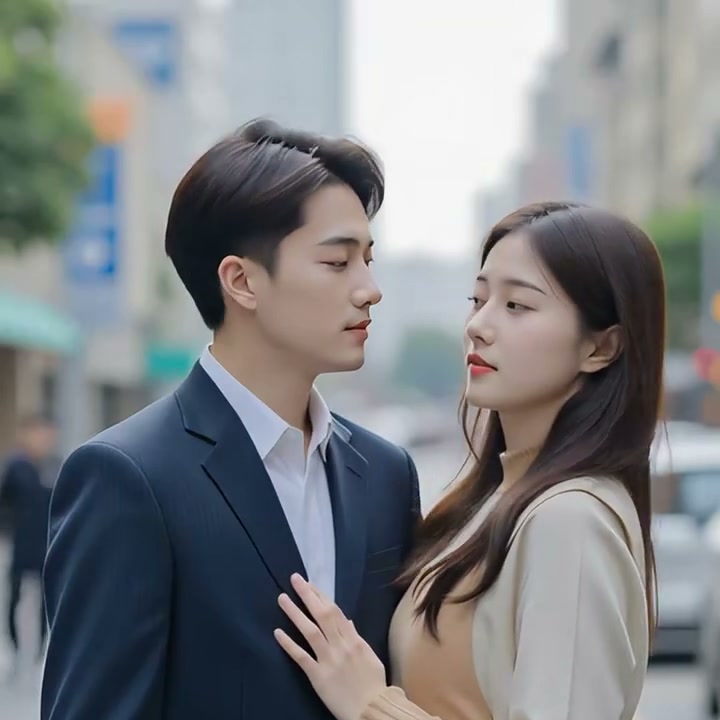
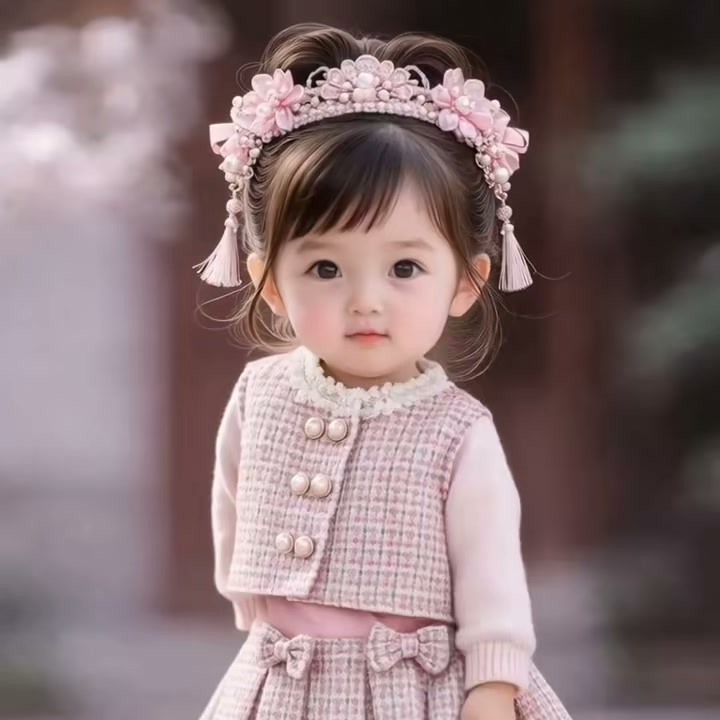
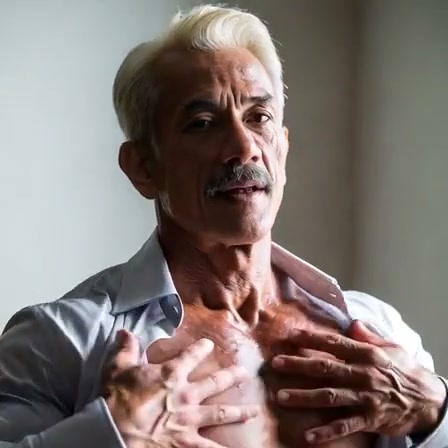
AI Sway Dance works for selfie edits, couple clips, profile animations, playful creator content, and light entertainment videos.
Create an AI Sway Dance Effect from One Photo and One Motion Clip
AI Sway Dance combines one portrait photo with one sway dance reference video, so the motion feels more controlled and more natural than a generic prompt-only result.
How to Make an AI Sway Dance Effect Video
Create an AI sway dance clip from a photo and a motion reference video in three steps.

Choose the sway dance effect
Select AI Sway Dance in the hero tool or switch templates from the Effects dropdown.
Upload your photo
Use one clear selfie, portrait, or couple photo with enough face and body detail for smoother motion transfer.
Generate and preview
Choose or upload a sway dance reference clip, click create, and review the result in the preview area.
Explore More AI Photo Effects and Dance Templates
Start with AI Sway Dance, then test more viral AI video effects built on the same image-to-video workflow.
FAQ
What is the AI Sway Dance effect?
AI Sway Dance is a photo-to-video effect that transfers smooth, rhythmic dance motion from a reference clip onto the person in your uploaded image.
Can I make an AI sway dance video from one photo?
Yes. Upload one clear selfie, portrait, or couple photo, then pick a sway dance motion clip or upload your own reference video to generate the result.
What kind of image works best for AI Sway Dance?
Photos with a clear face, visible upper body, and simple framing usually work best. Sharp, well-lit portraits help the model keep identity and motion stable.
Do I need to upload a dance video too?
Yes. This effect uses motion transfer, so you either choose a preset sway dance clip or upload a short reference dance video to guide the movement.
Is AI Sway Dance free to try?
You can test the workflow on ImageToVideoAIFree and then decide whether to upgrade for more credits, faster generation, or more output options.
How is AI Sway Dance different from AI Dance?
AI Sway Dance focuses on smoother, lighter, more social-friendly motion. It is better suited to selfies, portraits, couple photos, and viral short-form effect pages.
Create Your AI Sway Dance Effect Now
Upload a photo, choose a motion clip, and turn a still image into a smooth dance-style video in minutes.
Create AI Sway Dance Video