
01
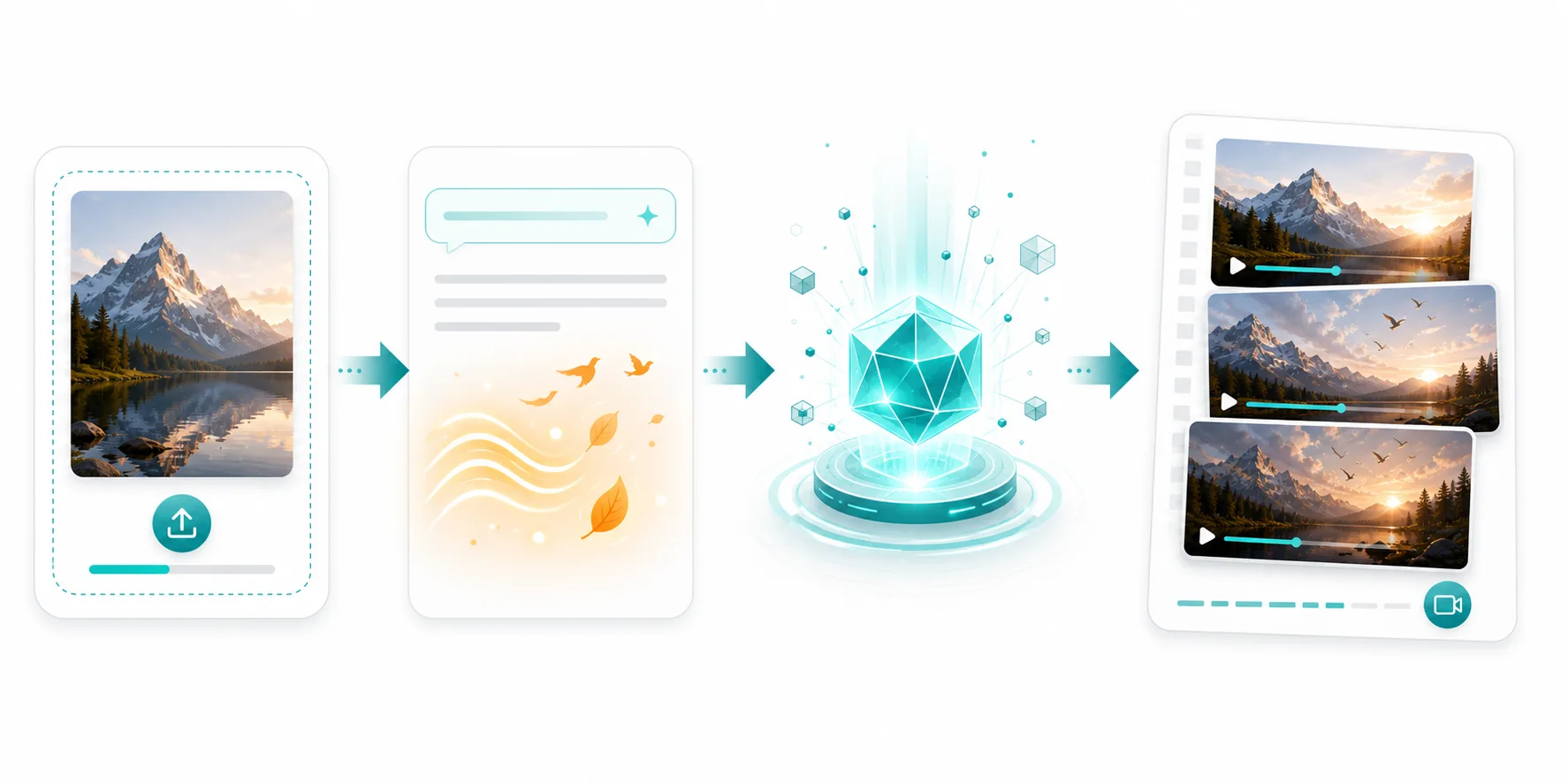
Start from one strong source image
A clear subject image gives the model the identity, outfit, silhouette, and lighting it needs to preserve while motion is being transferred.
Control character motion with a reference video. Choose a motion demo, upload your own character image, tune quality and orientation, then generate a new AI video with matched movement.
Motion Control AI · Motion Control · Reference motion · Character image · Kling 3.0
Gallery
Review Motion Control tasks created from this browser or account. Preview finished videos, reuse prompts, share links, download files, or delete items you no longer need.
Why it works
Use a motion reference to guide body movement, camera rhythm, expression, and pacing while your uploaded image defines the character.
Start from ready-made motion demos such as selfie, podcast, singing, rapping, handheld, and emotional performance references.
Use one image as the character source, then transfer the selected motion onto that image with identity-preserving generation.
Replace the demo with your own video whenever you need a custom gesture, camera angle, or performance beat.
Choose 720p or 1080p, set duration, and decide whether the character orientation follows the image or the motion video.
Workflow
Select a demo from the motion library or upload your own reference video.
Add the image that defines the person, outfit, style, or character identity.
Pick duration, resolution, orientation, and source audio, then submit the Motion Control task.
Visual guide
These examples explain the full Motion Control flow: start from a still image, pair it with a motion reference, and preview the kind of structured movement you can recreate with a new character.
A clear subject image gives the model the identity, outfit, silhouette, and lighting it needs to preserve while motion is being transferred.
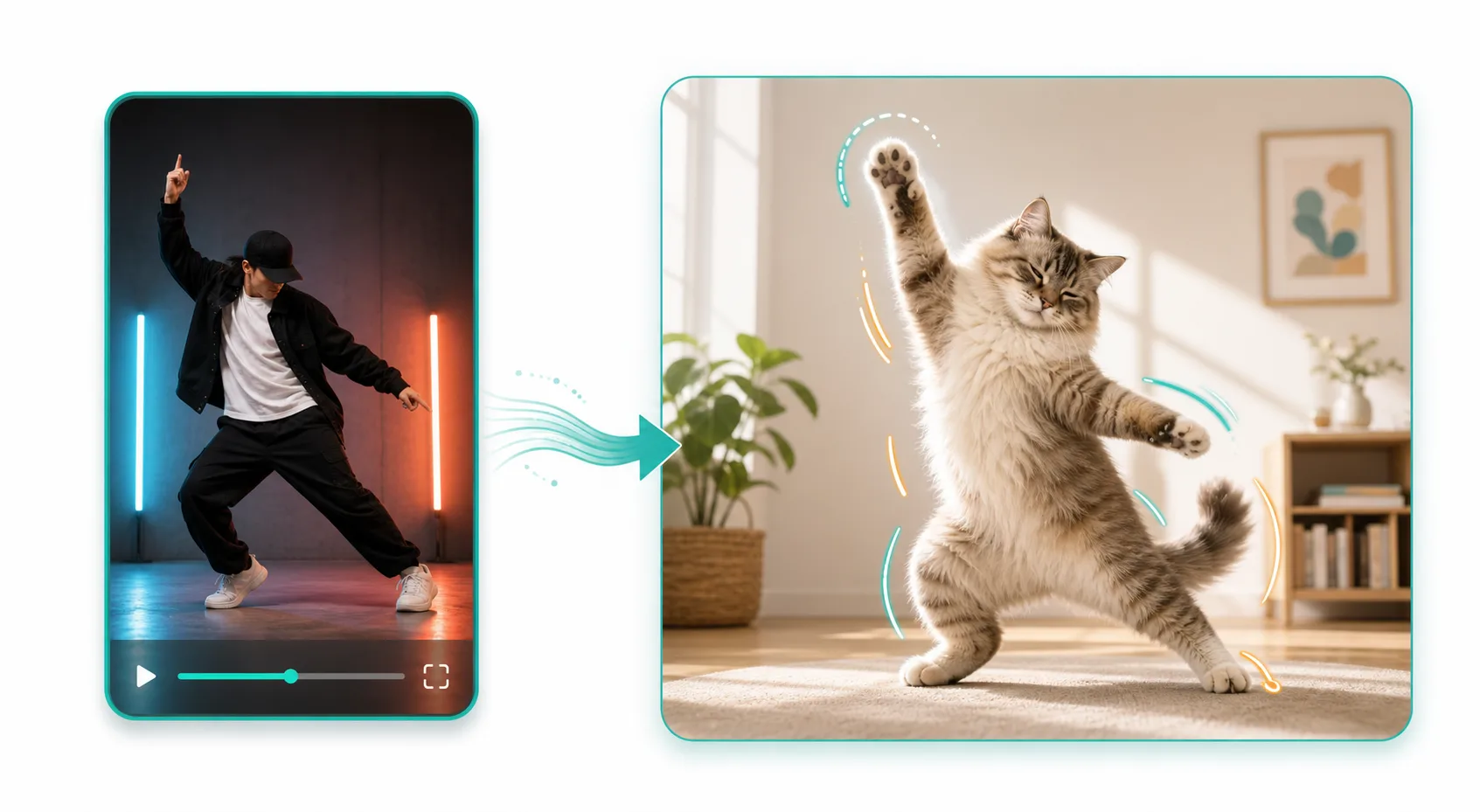
The best reference clips have obvious full-body rhythm, clear pose changes, and consistent framing so the model can copy the movement cleanly.
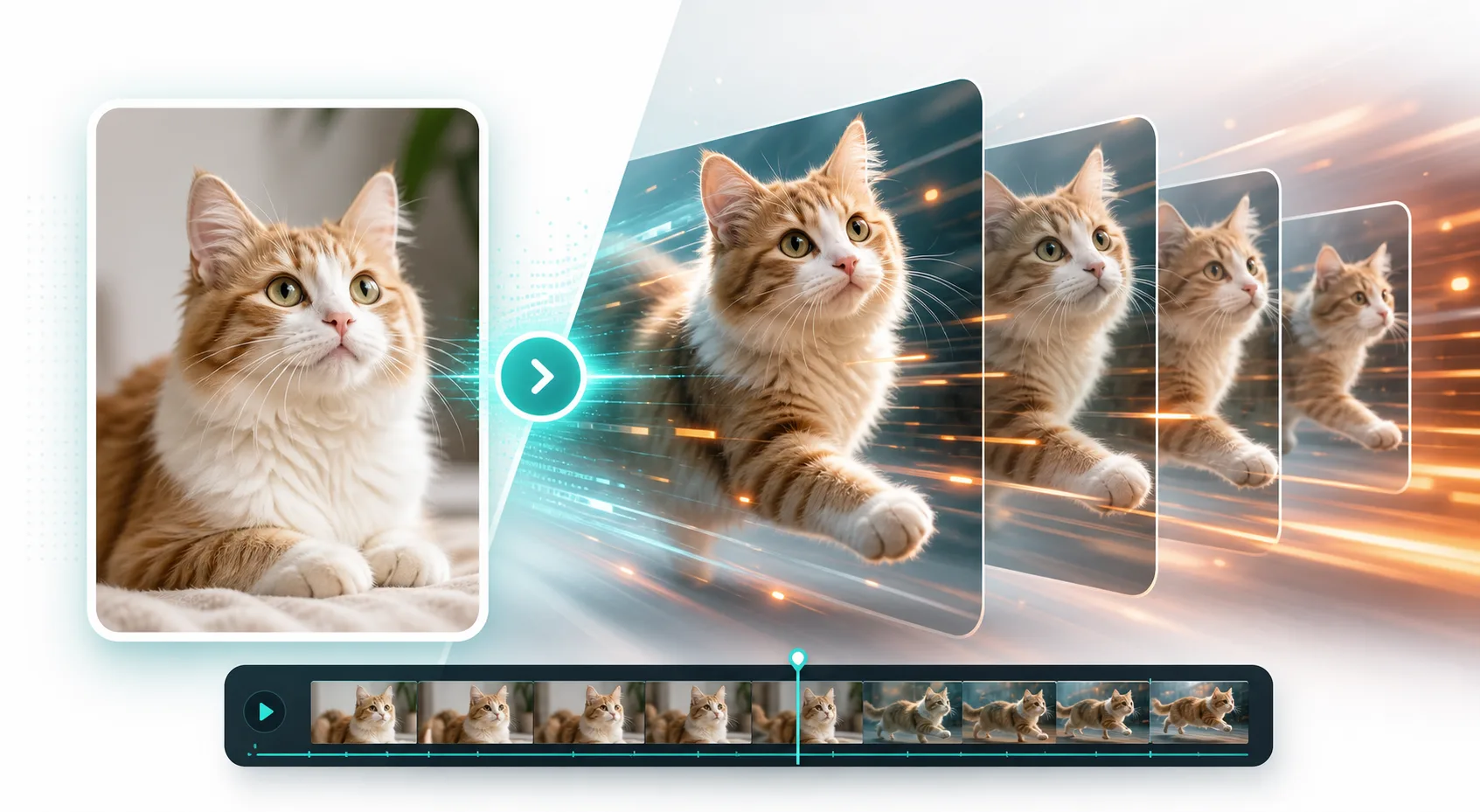
Use short previews to judge body rhythm, pacing, and pose accuracy before you commit to longer or higher-resolution Motion Control renders.
Use cases
Resources
Explore related AI video workflows for creating clips from images, prompts, references, and reusable motion direction.
Animate one uploaded image directly when you do not need a separate motion reference.
Open toolUse broader reference image and video workflows for subject, style, scene, or motion guidance.
Open toolCreate clips from text prompts when you want full scene generation without uploads.
Open toolCreate dance-focused clips from a photo with ready-made dance templates.
Open toolUser stories
“Motion Control lets me test avatar performances without filming every gesture myself.”

“The motion library gives our team quick starting points for social ad variations.”
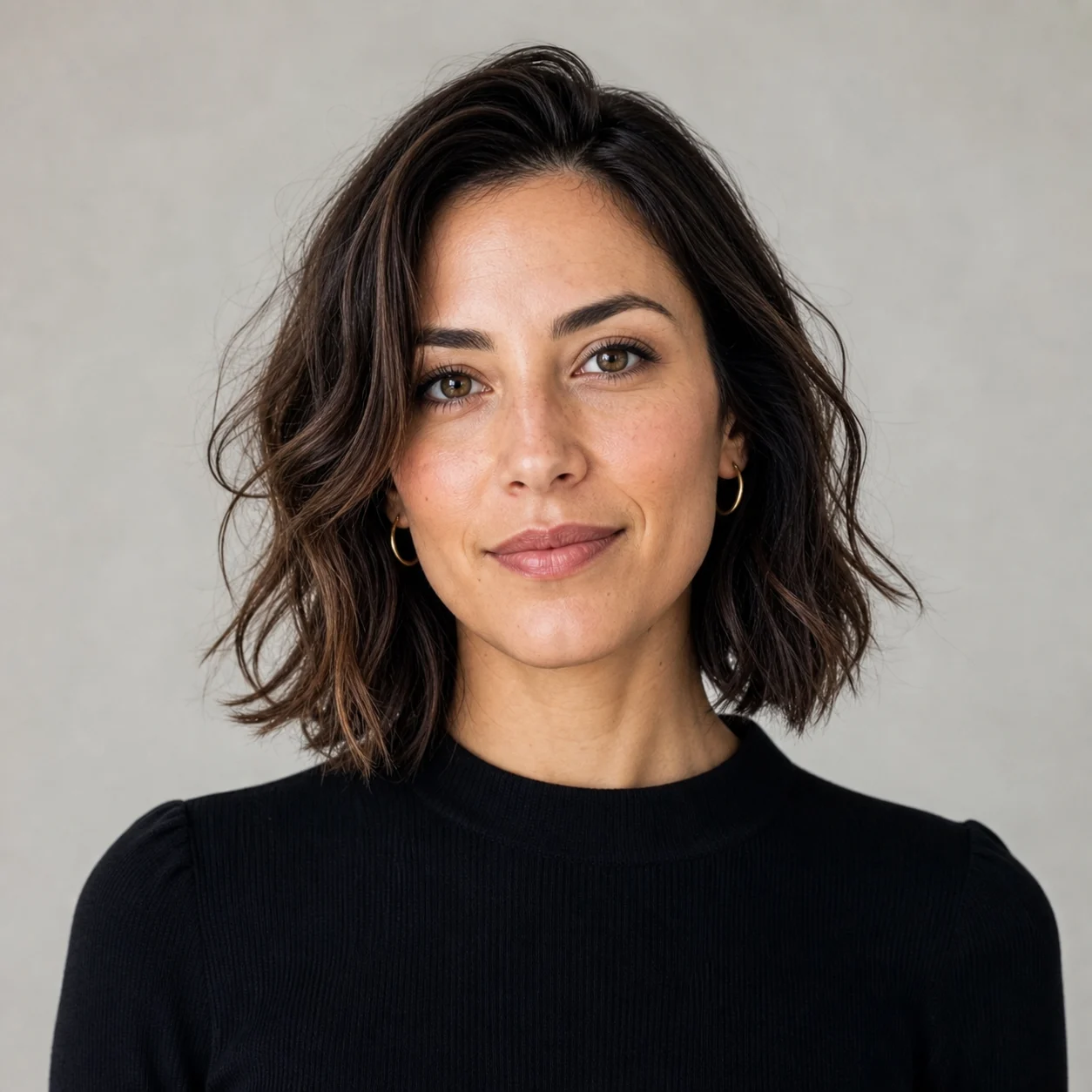
“Uploading a custom motion video makes character shots much easier to direct.”
FAQ
Motion Control uses a reference video to guide how a character moves, while the uploaded image defines the character appearance.
Yes. Selecting a motion demo counts as the required motion video. Uploading your own video replaces the selected demo.
You need one character image plus either a selected motion demo or one uploaded motion video.
The selected model supports a keep-source-audio option when source audio is useful for the generated motion clip.