
AI Kiss Video Generator: Safe Photo Tips and Prompt Examples
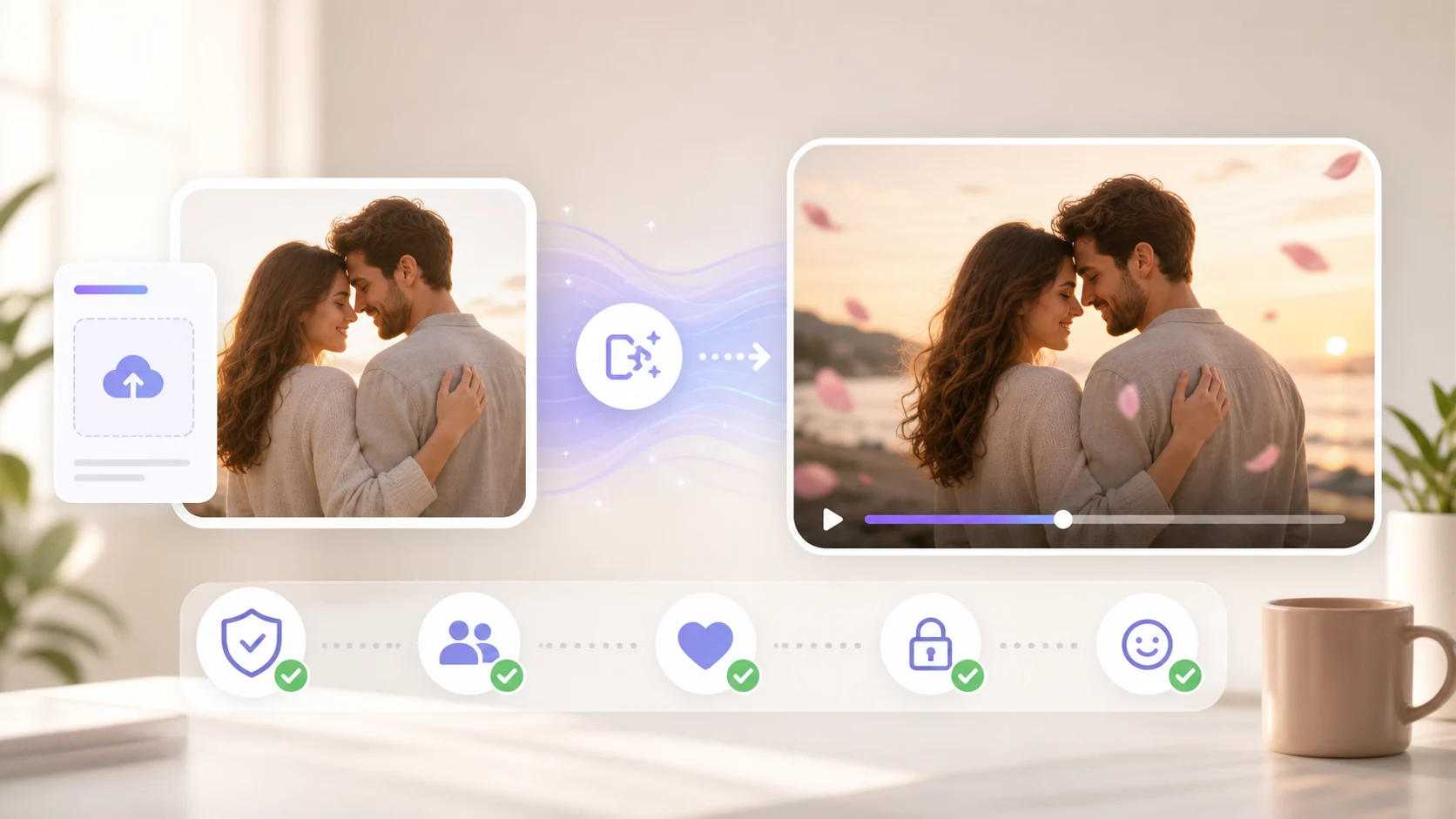
An AI kiss video generator should be used for consent-first couple photos, not impersonation or shock content. As of May 21, 2026, the practical workflow is simple: choose a clear image of consenting adults, apply a gentle kiss effect, preview the short motion, and discard anything that changes identity, age, or context.
This guide focuses on safe inputs, stable prompts, and the quality checks that matter before you share the clip.
What the AI kiss effect is for
The AI kiss effect is a one-click style workflow for turning a suitable still image into a short romantic motion clip. It works best when the image already supports the scene: two consenting adults, clear faces, natural distance, and a simple background.
Use it for:
- a private anniversary edit
- a playful couple memory
- a wedding or engagement social clip
- a fictional original-character scene where you own the art
- a stylized greeting video between consenting adults
Do not use it to create misleading clips of strangers, celebrities, coworkers, minors, or anyone who has not agreed to the edit. If consent is unclear, do not generate it.
Pick the right photo first
The photo matters more than the prompt. A clean input gives the model less to invent and reduces awkward face or hand movement.
| Photo detail | Better choice | Avoid |
|---|---|---|
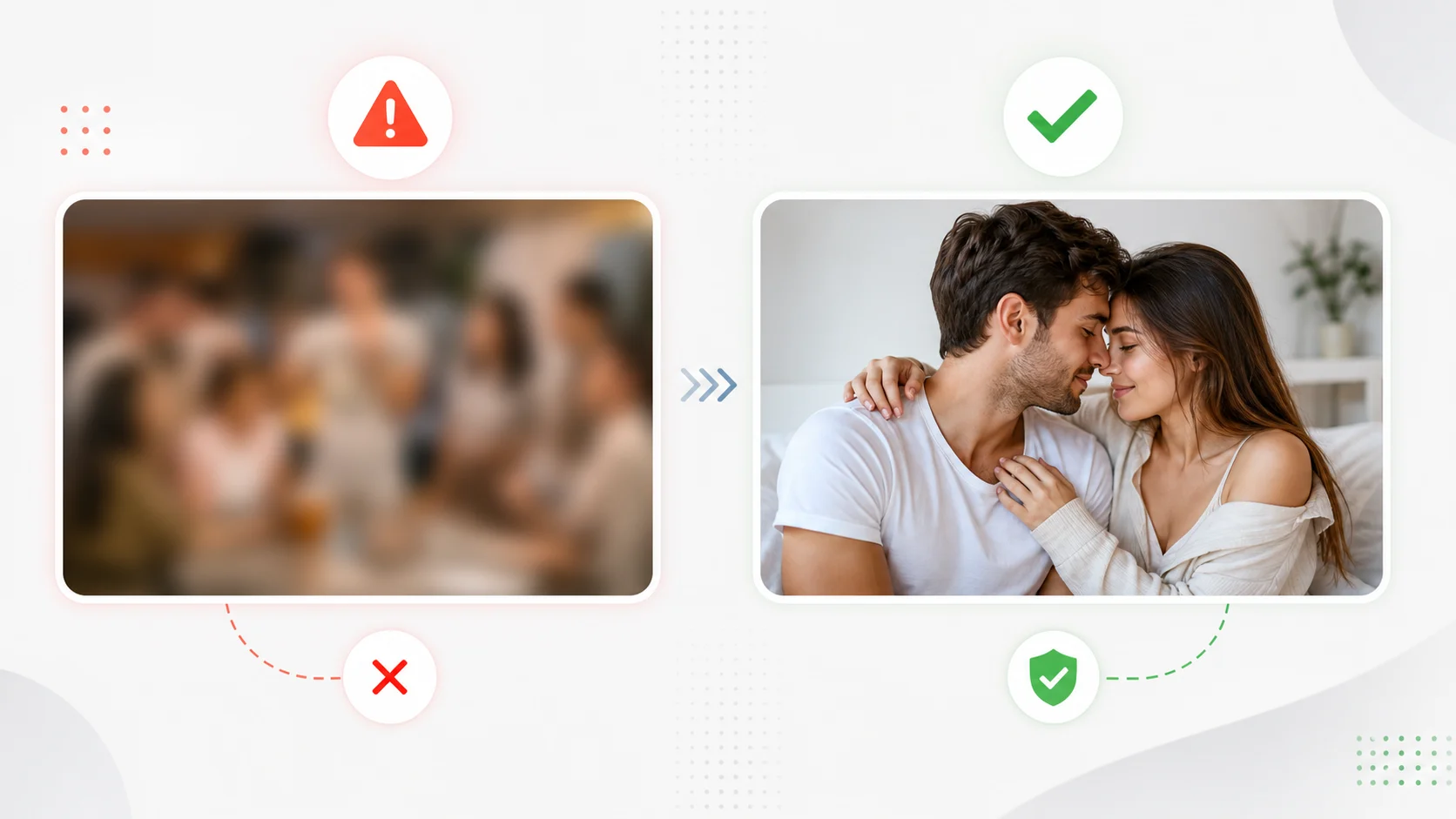
| People | Two consenting adults facing camera or each other | Strangers, public figures, minors |
| Framing | Faces visible with some shoulder space | Extreme close-ups or cropped heads |
| Lighting | Soft, even light | Harsh shadows across faces |
| Background | Simple room, outdoor scene, or plain backdrop | Crowded party photos |
| Expression | Warm, relaxed, natural | Forced, blurry, or distorted faces |
If the photo already feels uncomfortable, the generated clip will not fix that. Use a different image.
A safer 5-step workflow
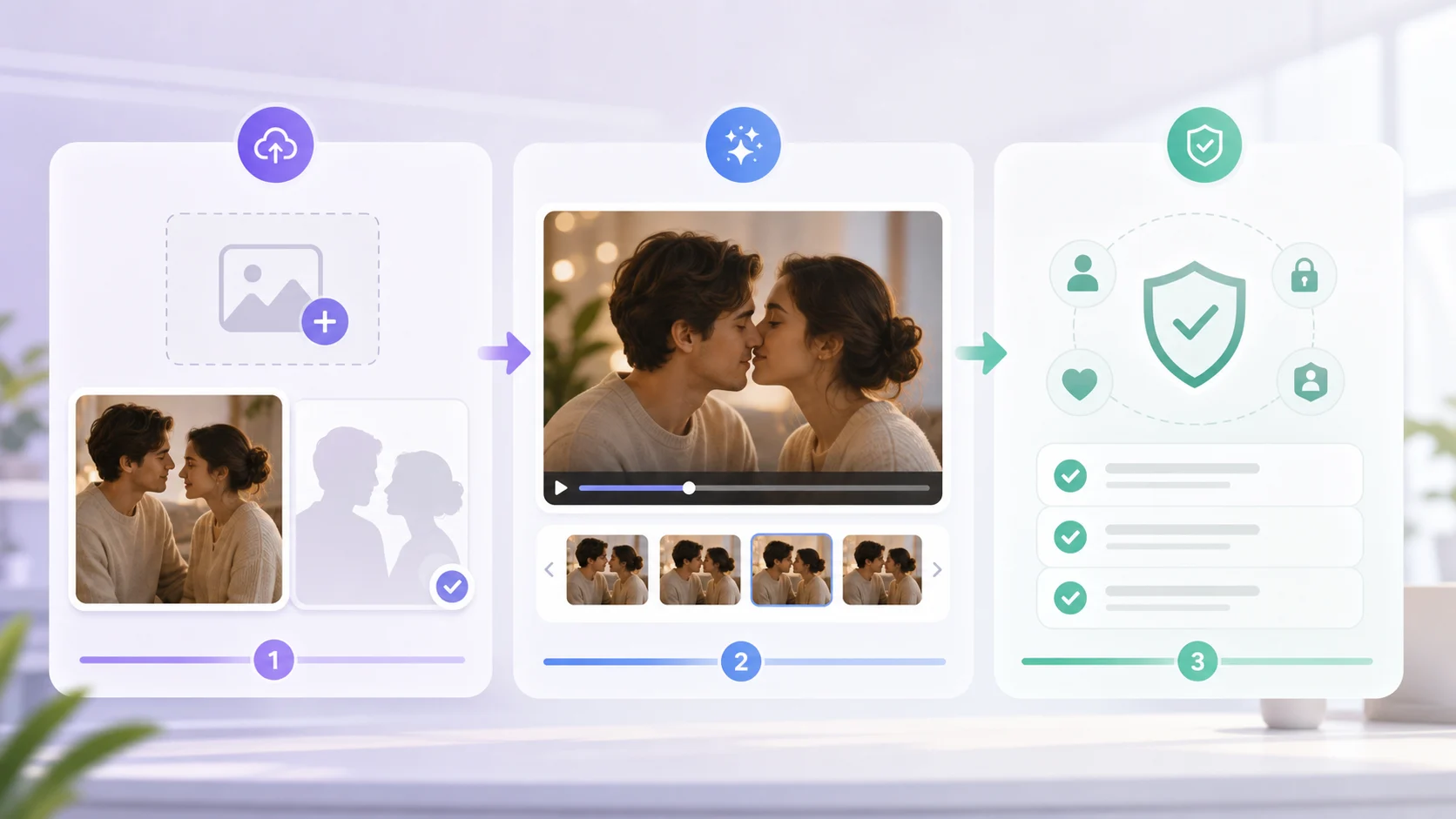
- Open the AI kiss video generator.
- Upload one appropriate couple image or original character image.
- Keep the motion gentle: subtle lean-in, soft eye contact, natural camera hold.
- Generate a short preview before making more versions.
- Check identity, age appearance, facial expression, and context before saving or sharing.
If you want a different romantic or celebration effect, browse AI video effects instead of forcing one effect to do every job.
Prompt examples that stay controlled
Use short, respectful prompts. The goal is natural motion, not exaggerated behavior.
gentle romantic moment, soft camera hold, subtle lean-in, warm natural light, keep both faces stable and recognizable
sweet anniversary-style couple video, small natural movement, soft background blur, keep expressions relaxed and respectful
original character couple, gentle affectionate motion, clean cinematic lighting, preserve character design and face shapes
Avoid prompts that request aggressive contact, age changes, intoxication, coercion, public-figure impersonation, or explicit adult framing. Those are not suitable for this workflow.
Quality checks before sharing
Watch the preview once for emotion, then once for safety.
- Do both people still look like adults?
- Are faces stable across the whole clip?
- Did the scene imply a relationship that the people did not agree to?
- Does the movement stay gentle and non-explicit?
- Would both people be comfortable seeing the final clip?
- Is the output clearly a personal edit, not a misleading claim?
If any answer feels uncertain, delete the clip and choose a different input or effect.
Common mistakes
Using public photos without permission. A technically good output can still be wrong to create. Consent is part of the workflow.
Uploading a blurry image. Blurry faces make identity drift more likely. Use a clearer photo or skip the effect.
Asking for too much motion. Dramatic movement makes faces warp. Keep the first version subtle.
Ignoring context. A photo from a group event, workplace, classroom, or public feed may not be appropriate even if the people are visible.
When to use another workflow
Use the image-to-video generator when you want a neutral photo animation instead of a kiss effect. Use reference to video when you want to preserve an original character design. Use AI hug for a softer family or friendship-style moment.
The best AI effect is the one that matches the photo and the consent context.
FAQ
Can I use an AI kiss video generator for free?
You can start with low-friction preview workflows, but availability can vary with queue load and provider capacity. Use the first preview to check whether the image is appropriate and stable.
What photos work best?
Clear, well-lit images of consenting adults with visible faces and a simple background work best. Avoid cropped, blurry, crowded, or ambiguous images.
Can I make a kiss video with a celebrity photo?
No. Do not create misleading romantic clips of public figures, strangers, or anyone who has not consented.
Why did the faces change?
The input may be too blurry, the movement may be too strong, or the scene may require more visual information. Try a clearer photo and gentler motion.
What is the safest next step?
Open the AI kiss video generator, use an appropriate consenting-adult image, and keep the first preview subtle.
David
Founder of GPT Image 2. Passionate about AI and technology. Exploring the boundaries of generative models and sharing insights with the community.