
How to Animate Character Art Into Video: A Practical Workflow
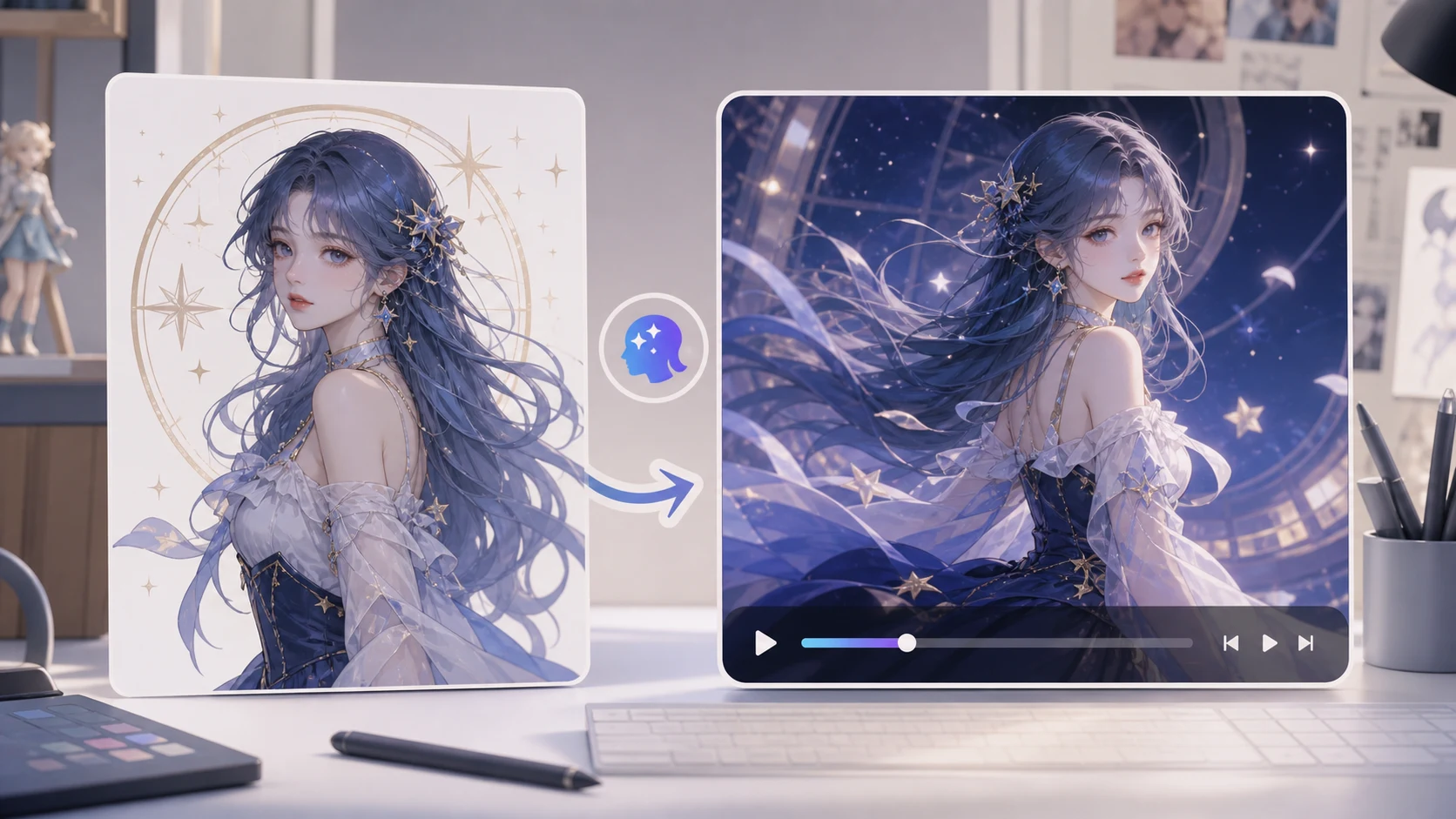
You can animate character art into video without learning a full animation suite if you treat the first clip as a motion test. Start with one clean character image, describe one controlled action, and use a reference-to-video workflow to keep the style anchored. As of May 21, 2026, ImageToVideoAIFree supports reference and image-guided video workflows for creators who need a short preview before polishing, editing, or posting the final clip.
Start with art that can survive motion
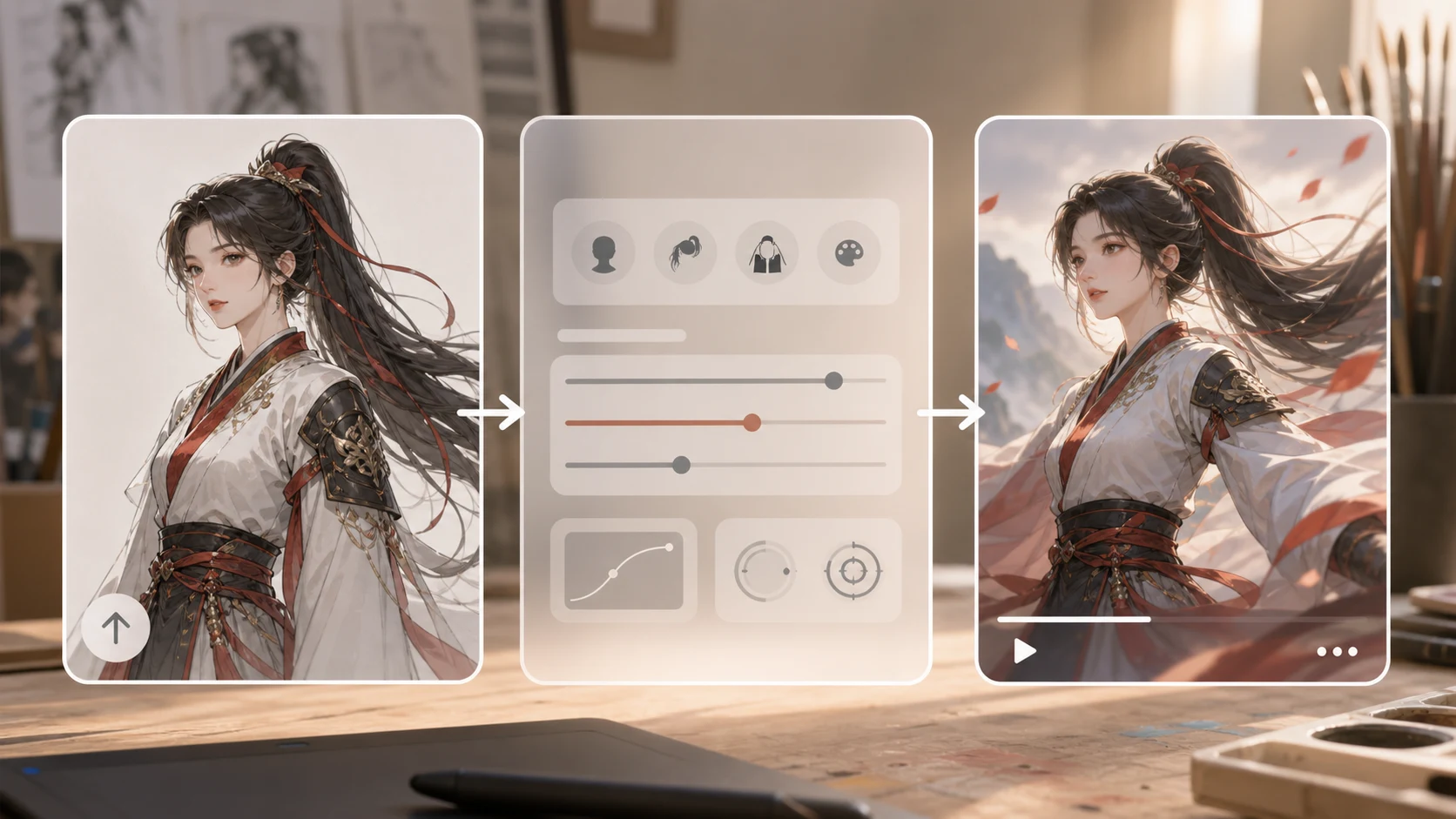
AI video works better when the character already looks like the first frame of a video. A clean pose gives the model enough structure to preserve the face, costume, silhouette, and background.
Use this checklist before uploading:
| Element | Better input | Risky input |
|---|---|---|
| Character pose | Clear body shape, visible face, simple gesture | Cropped limbs, heavy overlap, extreme perspective |
| Style | Consistent line art, lighting, and color | Mixed styles or heavy filters |
| Background | Simple depth layers or clean space | Busy patterns behind the character |
| Details | Important costume shapes are visible | Tiny accessories and unreadable symbols |
| Rights | Your own art or art you have permission to use | Someone else’s character or copyrighted asset |
If the character is part of a commercial project, avoid using a prompt that changes identity, costume, or brand marks. Preserve the design first; add energy second.
For current ImageToVideoAIFree constraints, keep each reference image under 10 MB and use the 2,500-character prompt box for specific motion instructions, not a full script. A short 480p · 2s preview is the right first check for identity stability, costume drift, and background motion before spending credits on higher-spec options.
Choose the right workflow
Text-only prompting can create a character-like scene, but it is weak when you need the output to match specific art. For character work, start with reference to video or the image-to-video generator so the model sees the actual design.
Use motion control only when you already know the movement you want to copy, such as a slow camera push, hair movement, or cape motion. Do not use a chaotic reference clip for a delicate character illustration.
If the idea starts as a written scene instead of finished art, use the AI video generator first to test the concept, then return to reference-to-video once the character design is ready.
The 15-minute workflow
- Export the character art at a clean resolution with no extra UI or canvas borders.
- Decide the final format: vertical for TikTok, Reels, and Shorts; landscape for YouTube or a portfolio page.
- Pick one action: blink, hair movement, slight turn, cloak movement, or camera push.
- Open reference to video when style preservation matters.
- Write a prompt that protects the character design.
- Generate a short preview.
- Check identity, hands, costume edges, and background drift before making another pass.
The first result should answer one question: does this character move in a way that still feels like the original art?
Prompt template for character art
Use this structure:
[character description] from the reference image, [one subtle action], [one camera movement], [mood or lighting], keep [face, costume, silhouette] stable, preserve the original art style
Examples:
fantasy character from the reference image, subtle breathing and hair movement, slow camera push in, soft moonlight, keep face and costume stable, preserve the original art stylecyberpunk portrait from the reference image, slight head turn, gentle neon light shift, keep facial features and jacket shape stablecute mascot character from the reference image, small wave, static camera, bright social sticker style, keep silhouette and colors stablecomic character poster from the reference image, cape moves lightly, slow upward camera movement, dramatic but clean lighting, preserve line art
Do not ask for a full fight scene on the first pass. That is where hands, weapons, hair, and costume details often drift.
Quality checks before sharing
Watch the preview twice: once for emotion and once for structure.
For emotion, ask whether the clip has the feeling you wanted: calm, heroic, cute, mysterious, or energetic. For structure, check whether the character still matches the art.
Use this short checklist:
- Does the face still look like the original character?
- Are hands, eyes, and hair moving naturally?
- Did the outfit change shape or color?
- Did the background become distracting?
- Is the motion readable at the platform size?
- Would a viewer understand this as an animated version of the art?
Common mistakes
Animating too much at once. A character cannot blink, jump, spin, fight, and change camera angle cleanly in one short test. Pick one movement.
Using a low-resolution crop. If the face and costume are blurry, the generated video has less to preserve.
Relying on tiny symbols. Small badges, text, and intricate accessories may change. Keep essential design elements large and visible.
Changing the art style in the prompt. If you ask for a different style, the character may stop looking like your original art.
Skipping rights checks. Use your own art, commissioned work you are allowed to animate, or assets with clear permission.
When to use it in a creative workflow
For artists, this is useful before posting a launch teaser, portfolio reel, web banner, or character reveal. For small teams, it can turn one approved character image into a motion concept before commissioning full animation.
The practical path is simple: create a short preview, choose the motion direction that preserves the art, then polish outside the generator with captions, music, cropping, and edits.
Open reference to video, upload one clean character image, and test a subtle motion first. If the design stays stable, you have a strong base for a social clip or portfolio teaser.
FAQ
Can AI animate character art from one image?
Yes, one clear image can become a short motion preview. Results are more stable when the pose, face, costume, and background are easy to read.
Should I use text to video or reference to video?
Use text to video for new concepts. Use reference to video when the final clip must preserve a specific character design or art style.
What motion should I try first?
Start with subtle motion: blink, hair movement, slow push in, cape movement, or a small gesture. Save complex action for later passes.
Can I animate fan art or copyrighted characters?
Be careful. Only animate art you own or have permission to use, especially for commercial publishing.
What should I do if the character changes too much?
Reduce motion, simplify the prompt, and use a cleaner image. Add phrases like keep face stable, preserve costume, and preserve original art style.
David
Founder of GPT Image 2. Passionate about AI and technology. Exploring the boundaries of generative models and sharing insights with the community.