
How to Make Real Estate Video from Photos Without Filming
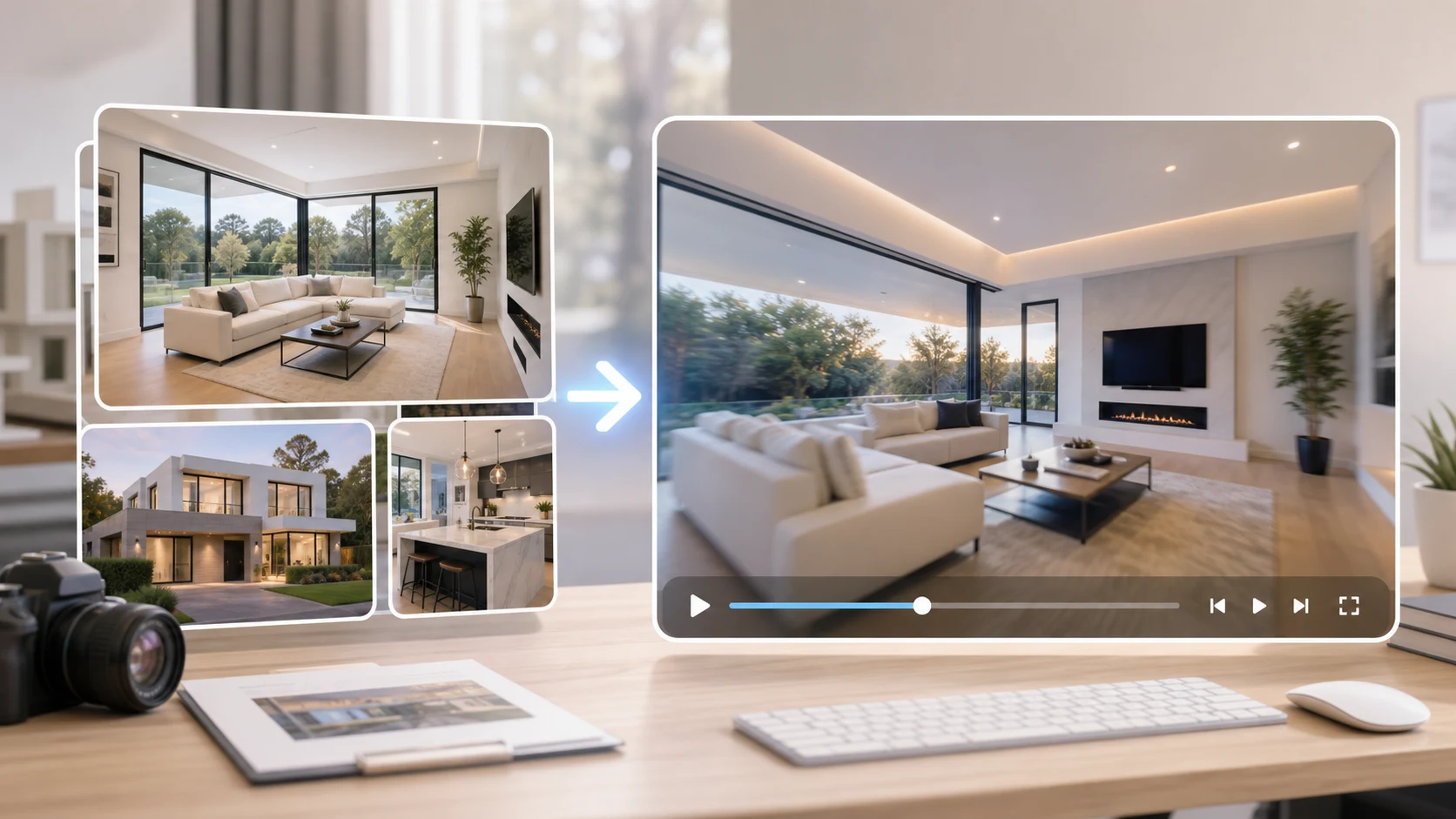
A real estate video can start from still listing photos when you do not have a walkthrough. The practical version is simple: choose the best room photos, animate each one with a slow camera move, keep architectural lines stable, and assemble the clips in listing order. As of May 2026, ImageToVideoAIFree supports a quick 2-second 480p preview from PNG, JPG, JPEG, or WEBP images up to 10 MB, which is enough to test whether a room photo can move cleanly.
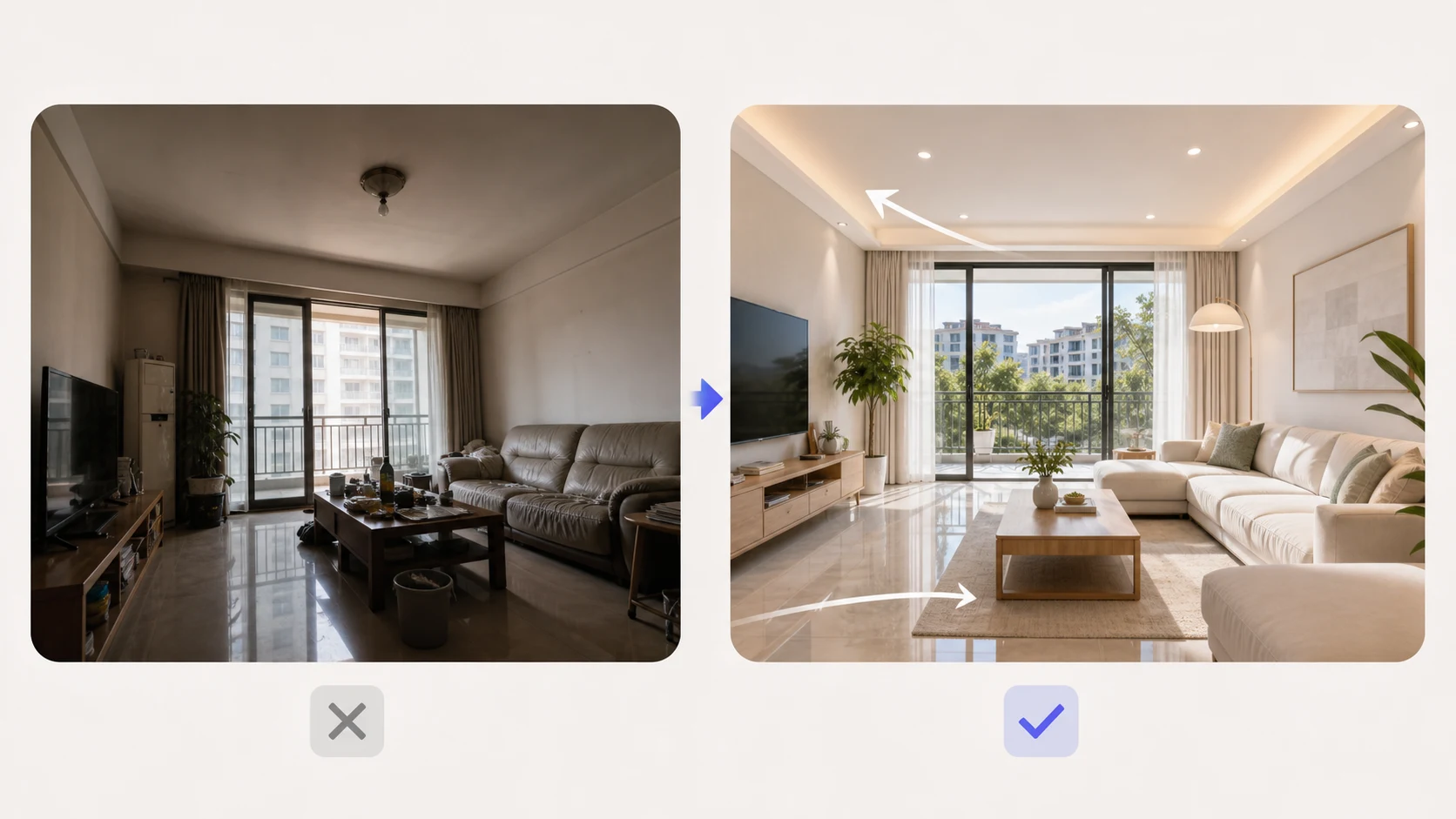
Choose photos that can survive motion
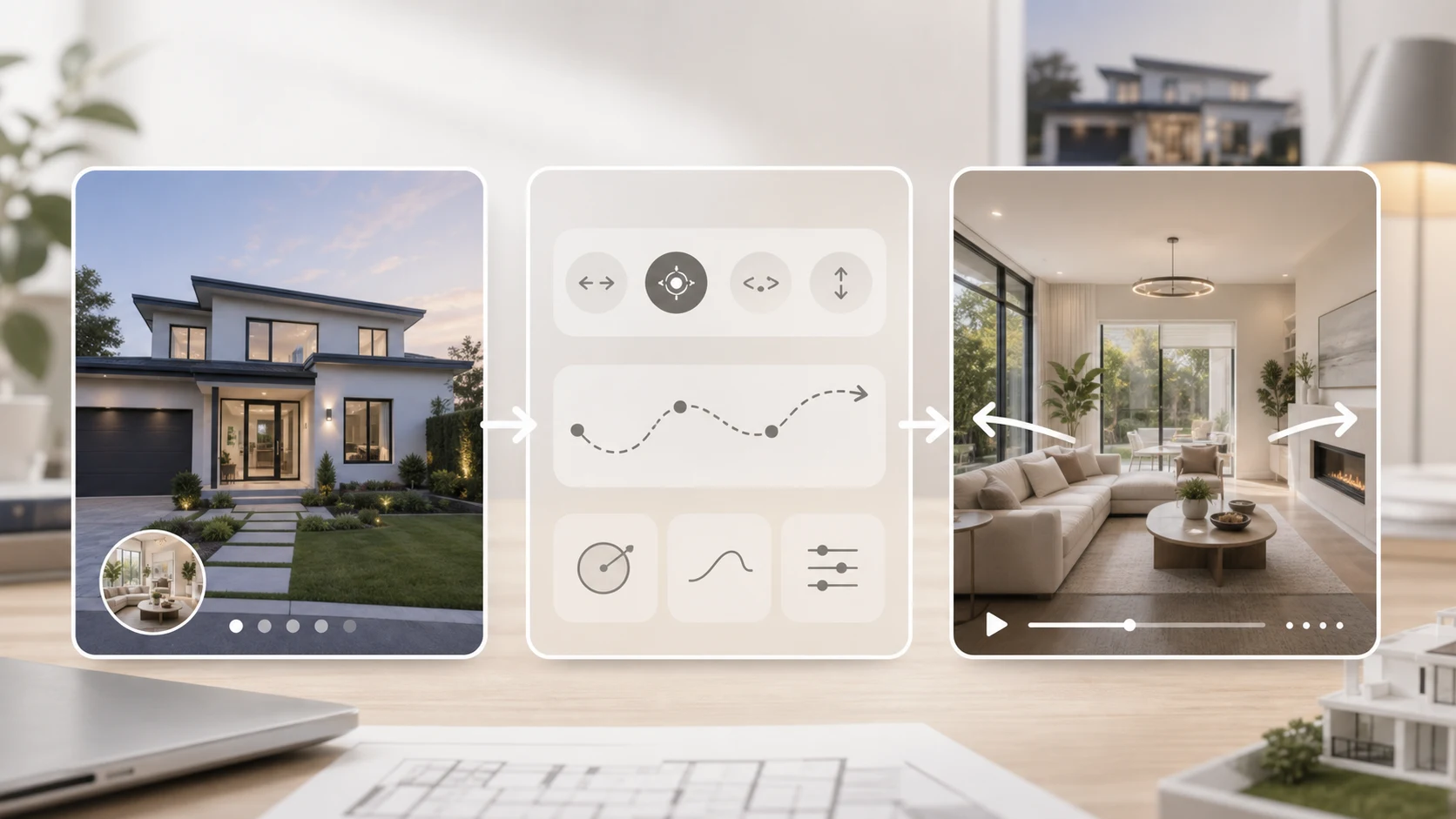
AI video is sensitive to property images because rooms have straight lines, reflective surfaces, and small details. A photo that looks fine in a listing can bend once the camera starts moving.
Start with 5 to 8 strong photos:
| Shot | What to use | What to avoid |
|---|---|---|
| Exterior | Straight-on front or angled curb shot | Heavy lens distortion |
| Living room | Bright wide photo with clean vertical lines | Cluttered shelves and mirrors |
| Kitchen | Clear island or counter view | Tiny appliance labels |
| Bedroom | Bed centered with calm lighting | Cropped furniture edges |
| View or patio | One clear focal point | Busy railings or blown-out sky |
If the listing photos have extreme wide-angle distortion, use a smaller camera move. The more the model has to invent around stretched corners, the more likely the video is to look unnatural.
The 20-minute listing video workflow
Use this workflow when you need a quick property video from photos.
- Sort photos in the order a buyer would naturally tour the property: exterior, entry, living area, kitchen, bedrooms, outdoor space.
- Crop each photo for the final channel. Use vertical for Reels, TikTok, or YouTube Shorts. Use landscape for MLS-adjacent landing pages or email embeds.
- Upload the first photo to the image-to-video generator.
- Use a slow real-estate camera prompt.
- Generate a short preview and check walls, doors, windows, counters, and ceiling lines.
- Repeat for the best 4 to 6 photos.
- Assemble the clips in a basic editor with address-safe captions, feature labels, and contact information if allowed by your brokerage rules.
The important part is consistency. A listing video feels better when every shot has similar pacing, brightness, and camera direction.
Real estate prompt examples
Keep the camera movement smooth and realistic.
slow cinematic dolly forward through the room, natural daylight, stable walls and windows, realistic real estate listing video
gentle left-to-right pan, clean interior walkthrough feel, keep furniture shapes stable, no dramatic distortion
subtle camera push toward the kitchen island, bright listing photography style, preserve straight lines and surfaces
For exterior shots, avoid asking for weather changes, new landscaping, or crowds. The video should represent the property image honestly. If you need a concept or renovation visualization, label it clearly outside the listing workflow.
What to check before using the clip
Real estate videos need a stricter review than lifestyle clips because buyers notice distorted spaces.
| Detail | Pass | Regenerate when |
|---|---|---|
| Walls and doors | Vertical lines stay straight | Frames bend or pulse |
| Windows | Shapes stay consistent | Glass melts or reflections jump |
| Furniture | Pieces stay recognizable | Chairs or tables change shape |
| Lighting | Bright but believable | Shadows flicker or lights move oddly |
| Space accuracy | Room still looks like the photo | Model invents major new features |
If a room fails twice, skip that photo. A clean 5-shot video is better than a 10-shot video with one obvious warped room.
How to use the video
For Instagram Reels, use vertical clips, short room labels, and a caption that names the property type and neighborhood. For email, use a short teaser video that links to the full listing page. For a seller preview, make a private version first so they can approve the image order and tone.
For text-first ad concepts, use the AI video generator. If you want a consistent visual reference across several property clips, use reference to video. For camera movement based on a sample, use motion control.
Common mistakes
Using every listing photo. A video does not need every bathroom angle. Pick the shots that create a clear buyer path.
Prompting like a drone video. A still interior photo cannot become a true multi-room flythrough. Ask for a short camera movement inside the existing frame.
Ignoring compliance. Do not add features, views, staging, or neighborhood claims that are not represented by the listing materials.
Adding small text before generation. Labels and agent details should be added after the video is created so they stay readable.
Simple structure for a property teaser
Use this order for a 20 to 30 second social teaser:
- Exterior or strongest first impression.
- Main living space.
- Kitchen or best amenity.
- Primary bedroom.
- Outdoor area, view, or final detail.
- End card with next action.
Each clip can be only a few seconds. The edit should feel like a guided preview, not a full tour.
FAQ
Can I make a real estate video from only photos?
Yes. You can turn still property photos into short animated clips, then assemble them into a listing teaser. Use it as a visual preview and keep the video faithful to the original photos.
How many photos do I need?
Five strong photos are enough for a simple social teaser. Use more only when each image adds a meaningful part of the property story.
What camera movement works best?
Slow dolly, gentle pan, and subtle push-in movements usually look best. Fast rotations and dramatic moves can bend walls and furniture.
Should I add text inside the AI prompt?
No. Generate the room motion first, then add room labels, price, address-safe details, or contact text in an editor.
Can this replace a professional walkthrough?
No. It is best for quick previews, social posts, or marketing drafts. Use filmed walkthroughs when accuracy, disclosure, or high-end presentation matters.
Make the listing move without overselling it
The best real estate photo-to-video workflow is careful. Keep the property recognizable, use calm motion, and cut anything that distorts the space.
Open the image-to-video generator, upload one strong room photo, and create a short preview. When the first clip holds its lines, repeat the same style across the rest of the listing.
David
Founder of GPT Image 2. Passionate about AI and technology. Exploring the boundaries of generative models and sharing insights with the community.