
How to Make a Wedding Blessing Video from One Photo
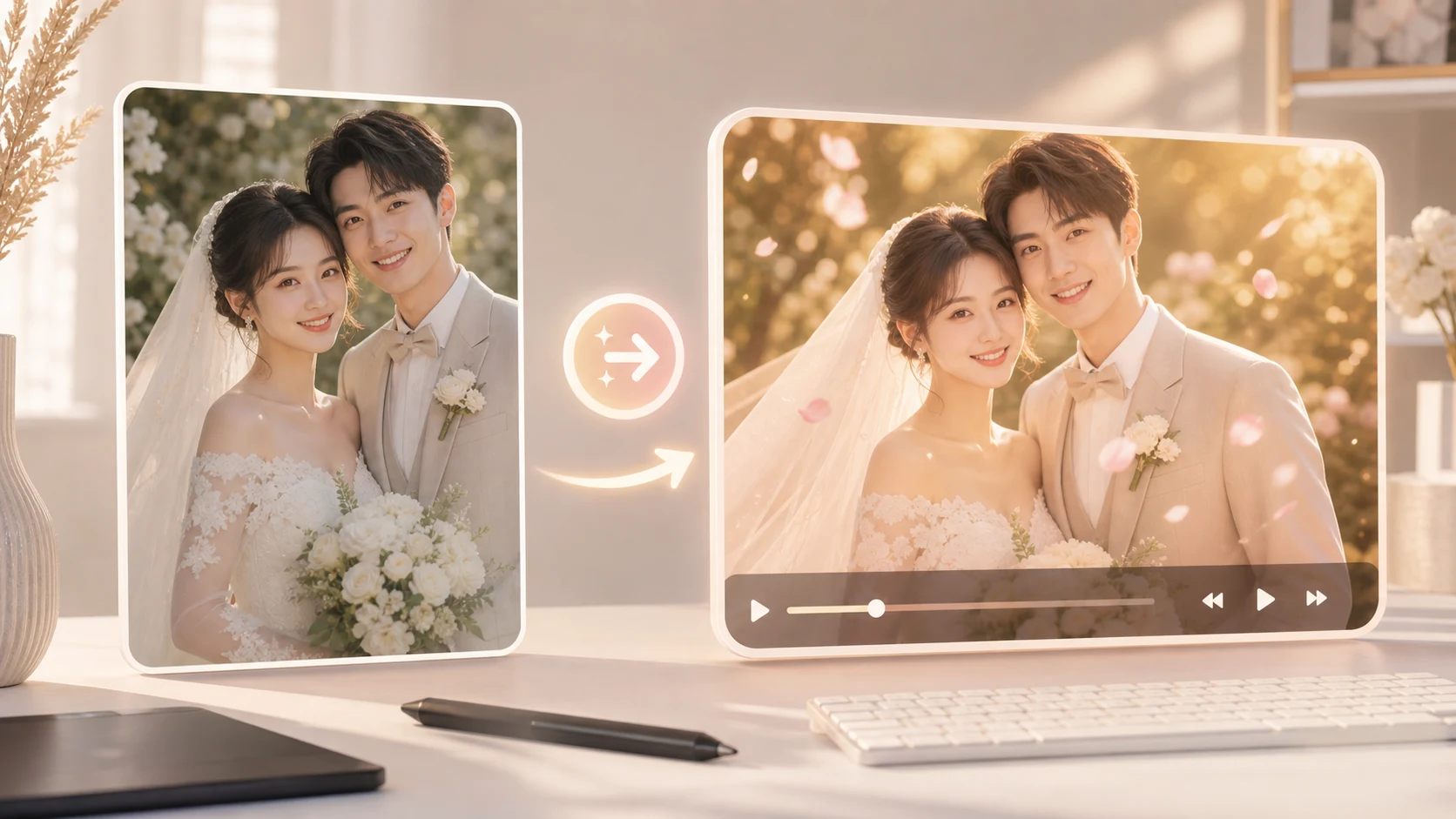
A wedding blessing video does not need a filmed speech, a paid editor, or a full slideshow. If you have one good photo of the couple, you can turn it into a short warm clip with a gentle camera move, a simple blessing line, and a format that is easy to send before the ceremony. As of May 2026, ImageToVideoAIFree is useful for a quick 2-second 480p preview from PNG, JPG, JPEG, or WEBP images up to 10 MB, so you can test the photo before polishing the message.
Start with the right kind of photo
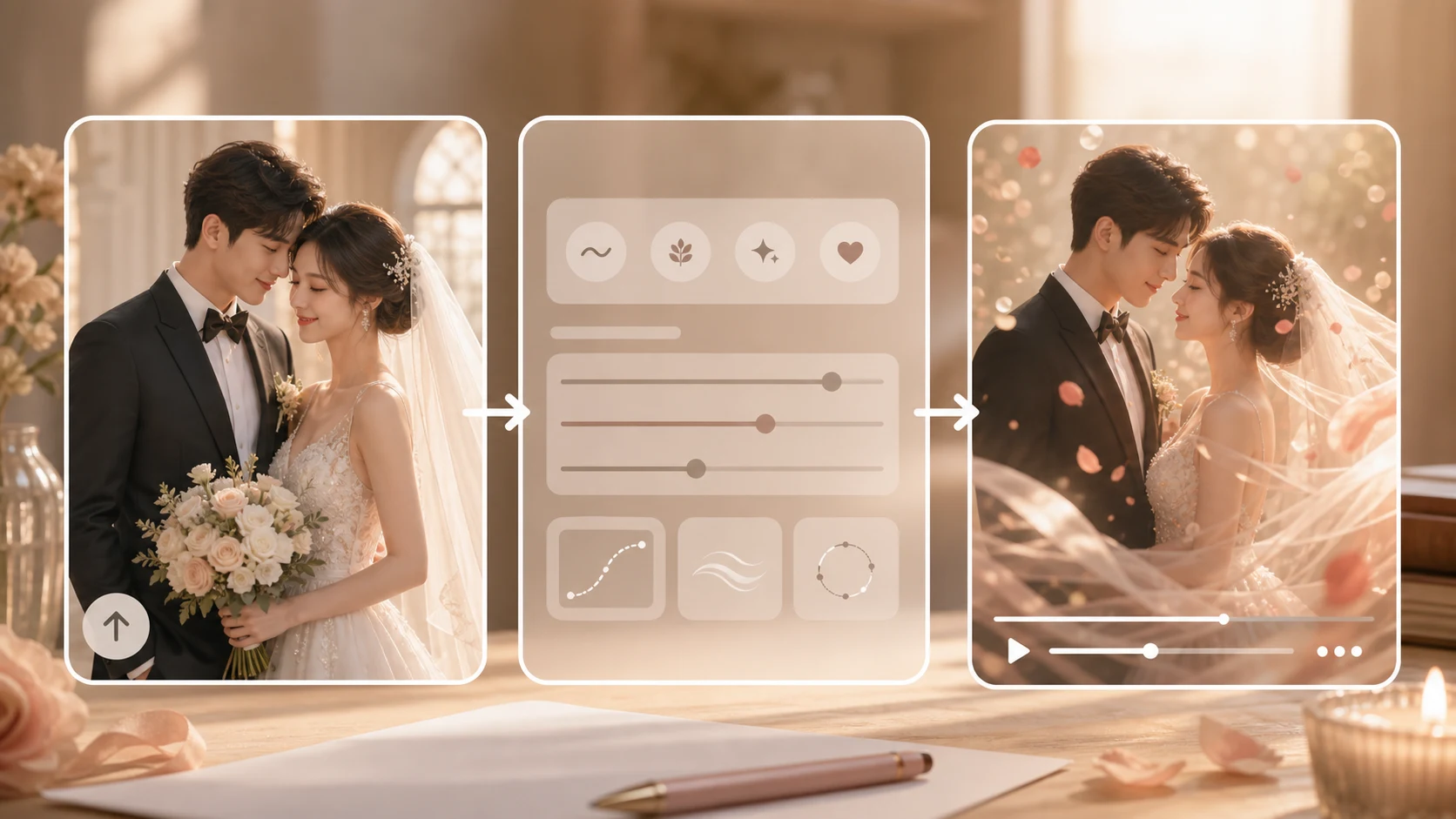
The best wedding blessing video starts with a photo that already feels close to the final mood. A clean engagement photo, wedding invite image, or bright couple portrait works better than a busy group shot where the main people are small.
Use this quick check before uploading:
| Photo detail | Better choice | Why it matters |
|---|---|---|
| Faces | Both people are clear and front-facing | The model has a stronger identity anchor |
| Background | Simple, bright, not crowded | Subtle motion looks cleaner |
| Crop | Enough space around heads and shoulders | Vertical and square crops are easier |
| Text | No tiny invitation text in the image | Text can warp during motion |
| Mood | Warm, natural, celebratory | The prompt can stay simple |
If you only have a group photo, crop around the couple first. If the image is dark, brighten it before generation. Small fixes before upload usually help more than a longer prompt.
A 10-minute wedding blessing workflow
Here is the practical workflow for a last-minute message.
- Pick one couple photo and crop it for the place you will send it: vertical for Stories or WhatsApp status, square for a feed post, landscape for a family screen.
- Open the image-to-video generator and upload the image.
- Write one calm motion prompt. Start with a slow camera push, soft background movement, and stable faces.
- Generate a short preview.
- Watch the couple’s faces, hands, clothing edges, and background lines.
- If the faces drift, reduce the motion. If the clip feels flat, add a small light movement or gentle parallax.
- Add the blessing text in a video editor after the motion is stable.
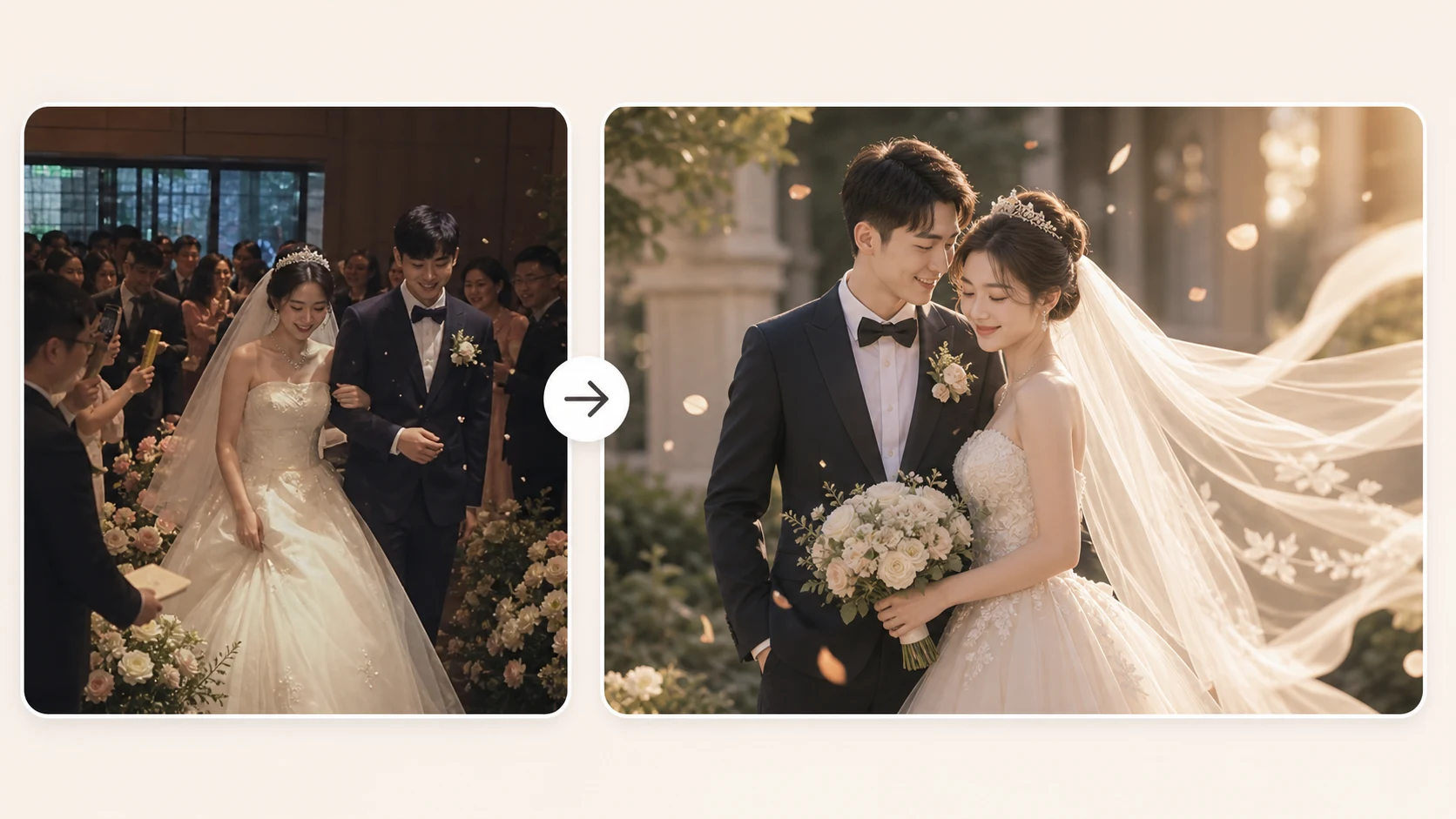
For a wedding blessing, restrained motion usually feels more sincere than dramatic effects. The goal is to make the photo feel alive, not to turn the couple into a different scene.
Prompt examples you can copy
Use one of these as a starting point and change only the details that match your photo.
slow camera push in, warm golden light, gentle background parallax, couple remains natural and smiling, keep faces stable
soft cinematic movement, subtle sparkle in the background, romantic wedding mood, no face change, keep clothing and hands stable
vertical wedding greeting clip, gentle zoom, soft floral atmosphere, couple stays centered, natural expression, stable identity
Avoid asking for too much at once. A prompt like make them dance, cut to fireworks, change the dress, add guests, rotate the camera is likely to break the photo. Keep the subject action subtle and add decorative elements later if needed.
Where to put the blessing text
Most AI video models are not reliable with readable text inside the generated motion. Add text after you create the video. That gives you cleaner typography and lets you make a version for each audience.
Good short lines:
Wishing you a lifetime of laughter, patience, and love.May this new chapter be full of calm days and beautiful surprises.So happy to celebrate this day with you. Congratulations.
Keep the message under 14 words on screen if you are sending it through WhatsApp, Instagram Stories, or a family group chat. Longer text is better as the caption.
Quality checks before sharing
Watch the preview once without sound and once with your planned music. Check these details before exporting:
| Check | What to look for | Fix |
|---|---|---|
| Face stability | Faces should not melt, swap, or age | Reduce motion and regenerate |
| Hands | Fingers should not twist or multiply | Crop tighter or choose another photo |
| Clothing | Suit, dress, veil, and jewelry stay believable | Use a calmer prompt |
| Background | No warped walls, flowers, or lights | Remove background clutter |
| Text | Blessing line stays readable | Add text after generation |
If one preview is close, revise that prompt instead of starting over. Small prompt changes give you a clearer comparison.
Use cases that work especially well
A wedding blessing video is useful when you want the message to feel personal but do not have time to record everyone.
For a friend group, create one short clip from the couple’s photo and add a simple caption from the group. For family, use a softer version with slower motion and warmer music. For a ceremony screen, keep the clip landscape and avoid fast camera moves. For a social post, crop vertical and leave empty space for text near the top or bottom.
If you want a video from a written message instead of a photo, use the AI video generator. If you have a reference style or another image that shows the mood, try reference to video. For precise camera movement, use motion control.
Common mistakes
Using a tiny social-media screenshot. Download the original photo if possible. Screenshots often carry compression artifacts that become more visible during motion.
Putting the whole blessing inside the prompt. The model may not render the words clearly. Generate motion first, then add text.
Choosing a busy reception group photo. The couple should be the obvious subject. AI video works better when it does not have to decide who matters.
Overusing romance effects. Sparkles, petals, and glowing backgrounds can feel generic. A small camera move and a sincere line usually land better.
FAQ
Can I make a wedding blessing video with only one photo?
Yes. One clear couple photo is enough for a short image-to-video blessing. The best results come from a clean portrait, a simple prompt, and gentle motion.
Should I add music before or after generation?
Add music after the video preview looks stable. That lets you trim the clip, place the blessing text, and match the final export to the song.
What format should I use?
Use vertical for Stories, Reels, TikTok, or phone sharing. Use landscape if the video will play on a venue screen or TV. Square works well for feed posts.
How long should the video be?
Start with a short preview. A few seconds is enough to check face stability and mood before you spend time adding text, music, or extra edits.
Can I use old wedding photos?
Yes, but scan or restore the photo first if it is blurry, faded, or creased. A cleaner image gives the generator a better starting point.
Make the photo feel like a message
The strongest wedding blessing video is not the most complex one. It is the one that keeps the couple recognizable and gives your message a little motion.
Open the image-to-video generator, upload the couple photo, and start with one calm prompt. Once the movement works, add the blessing line and send the version that feels personal.
David
Founder of GPT Image 2. Passionate about AI and technology. Exploring the boundaries of generative models and sharing insights with the community.