
How to Make a Birthday Video from Photos in 10 Minutes
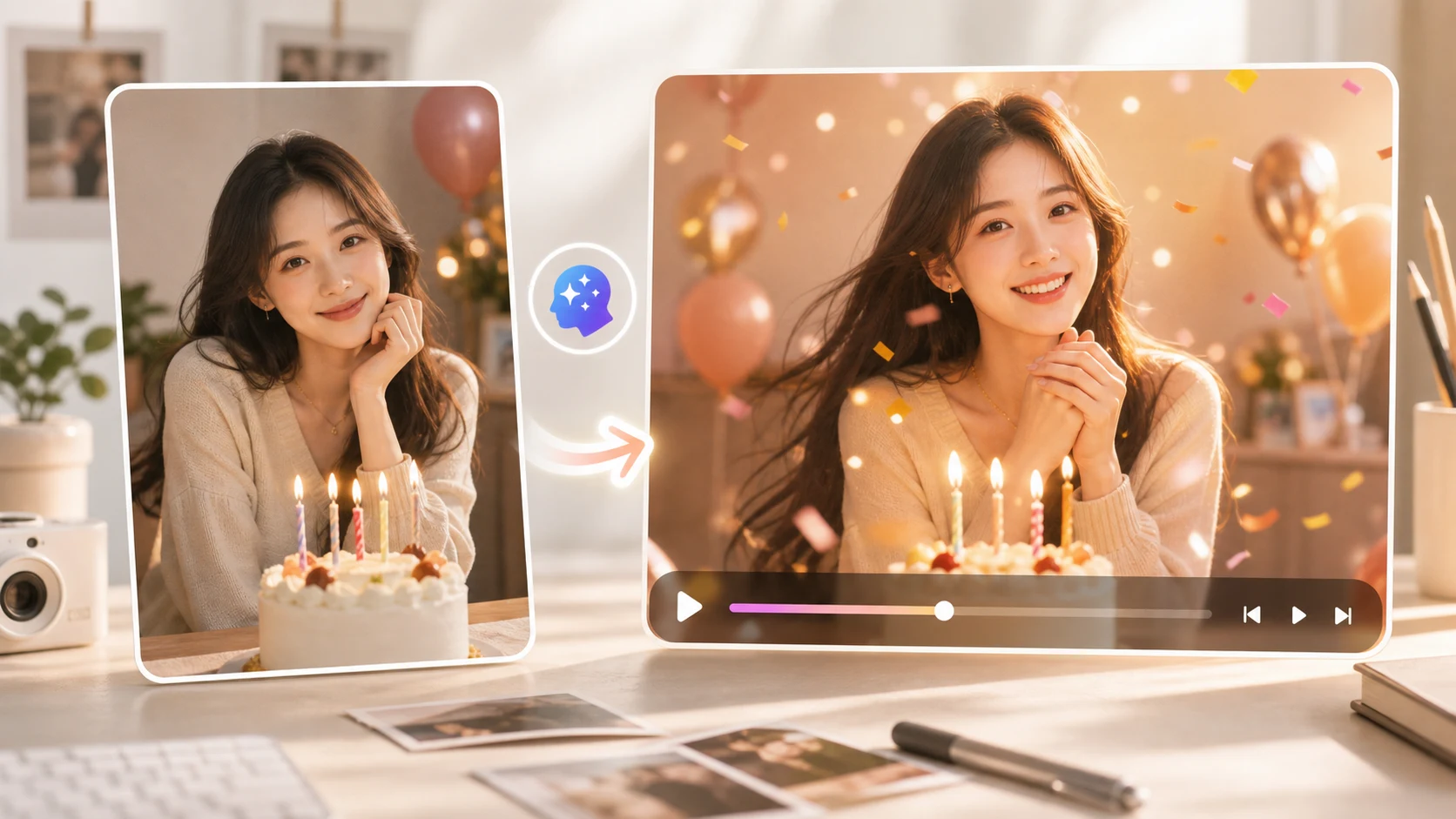
A birthday video can start with one clear photo, not a filmed message or a full slideshow. The fastest workflow is to pick the right image, generate a short motion preview, then add the greeting text after the video looks stable. As of May 2026, ImageToVideoAIFree supports PNG, JPG, JPEG, and WEBP uploads up to 10 MB, with a free 480p · 2s preview path that is useful for testing a birthday clip before you polish it.
Pick the photo before you write the prompt
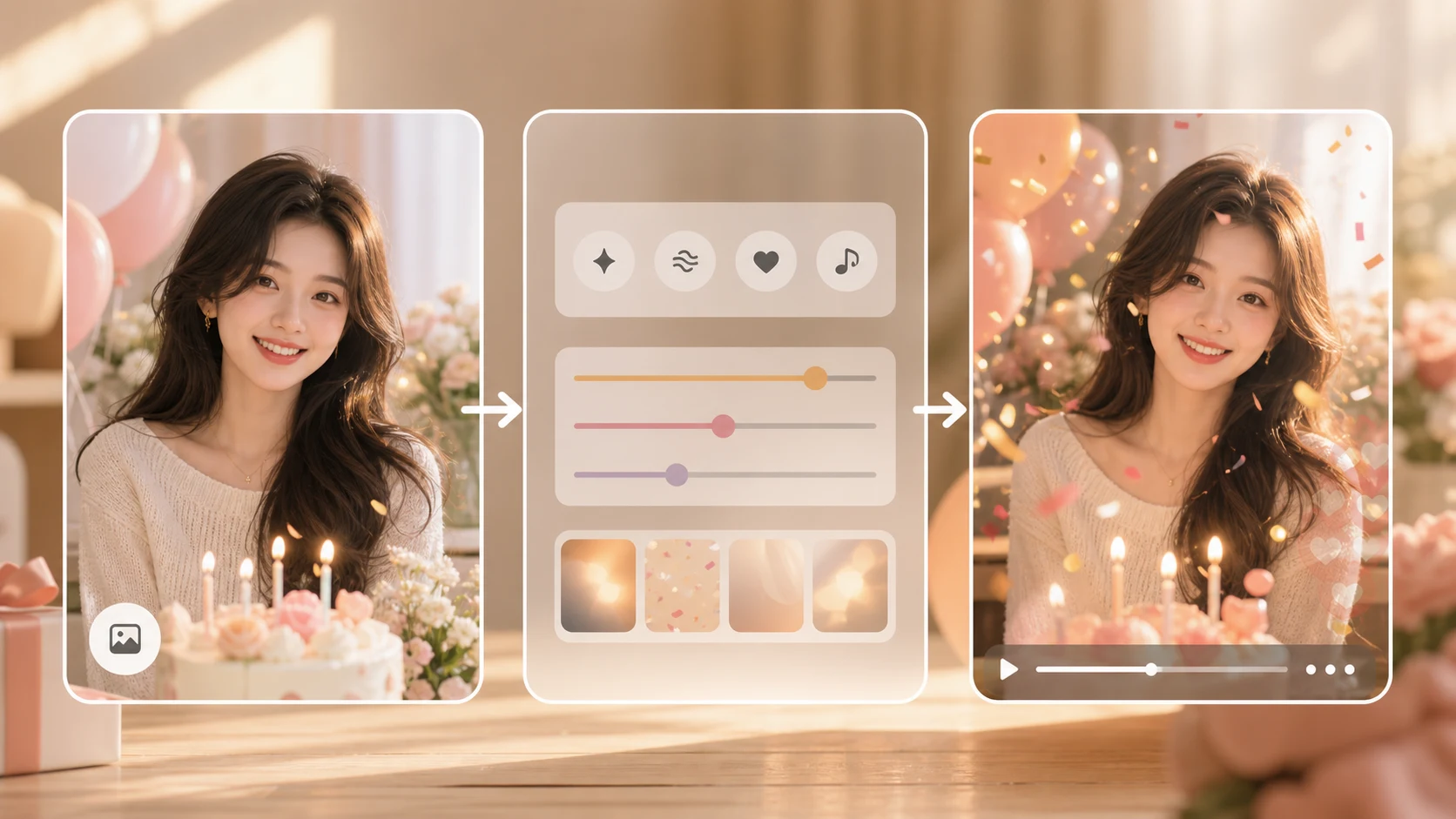
The photo decides most of the result. A bright portrait, a cake table shot, or a clean group photo with the birthday person near the center will animate better than a compressed screenshot from a chat app.
Use this quick filter:
| Photo detail | Choose this | Avoid this |
|---|---|---|
| Main subject | One person or one small group | A crowded party table |
| Face clarity | Eyes and mouth are visible | Motion blur or heavy filters |
| Crop | Space around the head and shoulders | A tight crop cutting off hair |
| Background | Simple room, cake, balloons, or outdoor light | Tiny text, busy signs, clutter |
| Format | Original PNG, JPG, JPEG, or WEBP | Reposted social screenshot |
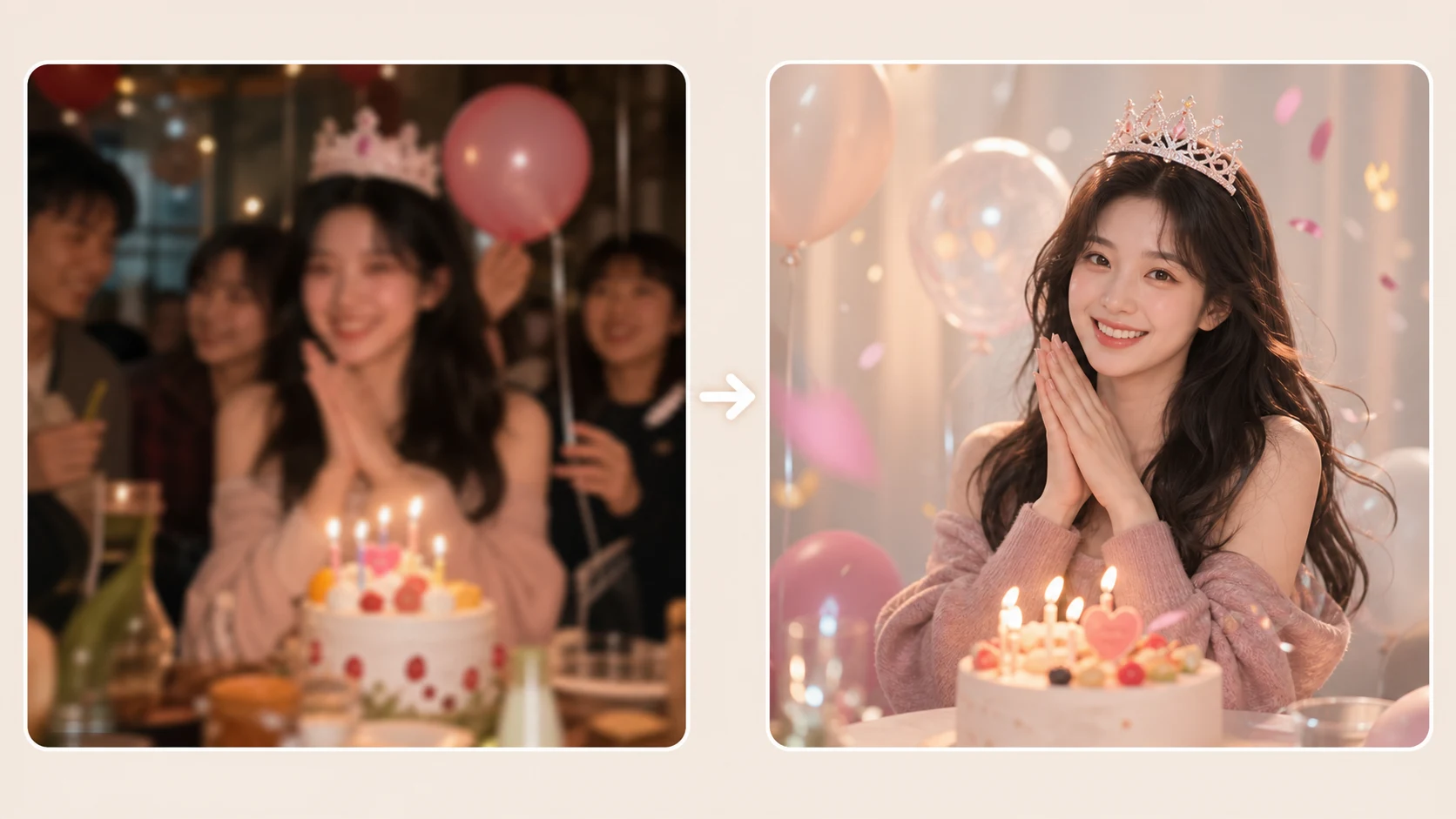
If you only have old or low-light photos, brighten the best one first. For birthday videos, a stable smile and clean face outline matter more than a dramatic background.
Use a simple 10-minute workflow
Start with motion, then add the message. That keeps the AI generation focused and gives you more control over the final greeting.
- Crop the photo for the sharing format: vertical for TikTok, Instagram Stories, or WhatsApp status; square for a feed post; landscape for a TV or family screen.
- Open the image-to-video generator and upload the photo.
- Write one motion idea. A slow push-in, gentle smile, soft birthday lights, or small background sparkle is enough.
- Generate a short preview first. Watch the face, hands, cake, candles, and background edges.
- If the person changes too much, reduce motion. If the clip feels flat, add a small camera move.
- Add the birthday text, stickers, music, and name in a video editor after the motion is stable.
The main rule: do not ask the model to do the whole party at once. A photo can become a warm birthday greeting, but it should not be forced into dancing, fireworks, outfit changes, and readable text in the same prompt.
Prompt examples for birthday clips
Use these as starting points and keep the birthday person’s identity stable.
slow camera push in, warm birthday lights, gentle smile, soft background movement, keep face and clothing stable
vertical birthday greeting video, subtle confetti in the background, natural expression, smooth camera motion, no face change
cozy family birthday mood, candle light glow, slight parallax, person remains centered and recognizable, stable hands
For a group photo, avoid prompts that make everyone move separately. Try this instead:
gentle camera pull back, warm party atmosphere, everyone stays natural, stable faces, soft background movement
If you want a clip from a written idea rather than an existing photo, use the AI video generator. If you have a second image that shows the style you want, try reference to video.
Check the preview before sharing
Watch the preview once without sound. It is easier to spot face drift, strange hands, and background wobble when music is not hiding the motion.
| Check | What good looks like | Quick fix |
|---|---|---|
| Face | Same person, natural expression | Lower motion and regenerate |
| Hands | No twisted fingers near cake or gifts | Crop tighter or choose another photo |
| Background | Balloons, lights, or room lines stay believable | Use a calmer prompt |
| Text | No warped birthday words inside the generated image | Add text after generation |
| Format | Subject fits the phone screen | Re-crop vertical before upload |
For a last-minute greeting, one clean 2-second clip is usually enough. Loop it, add music, and place the message on top. Longer videos can work, but only after the first preview proves the photo can move cleanly.
Common mistakes
Putting the greeting text inside the prompt. AI video models are not reliable at rendering readable birthday text. Add the name, age, and message after generation.
Using too many actions. A prompt with dancing, candles blowing out, camera spin, and confetti can break the face. Pick one motion goal.
Uploading a tiny screenshot. Download the original photo if possible. Chat screenshots often look fine on a phone but produce messy motion.
Skipping the first preview. The first 480p · 2s result is a quality test. Use it to decide whether to change the photo or prompt.
FAQ
Can I make a birthday video from only one photo?
Yes. One clear photo is enough for a short birthday greeting video. Use gentle motion, then add text and music after the generated clip is stable.
Should I use a portrait or a group photo?
A portrait is easier to animate. A group photo can work if the birthday person is central, faces are clear, and the prompt asks for camera motion rather than individual movement.
What should the birthday message say?
Keep on-screen text short. Use the caption for longer wishes. A line like Happy birthday, Mia. Wishing you a year full of calm days and big wins. is easier to read than a full paragraph.
Where should I make the first version?
Use the image-to-video workflow when you already have a photo. Use motion control when you need a more specific camera direction.
Turn the photo into the first clip
Make the first version small and practical: one image, one motion prompt, one preview, one check. If the birthday person’s face stays stable, add the message and share it. If it does not, change the image before spending time on edits. Open ImageToVideoAIFree and turn this birthday photo into a video.
David
Founder of GPT Image 2. Passionate about AI and technology. Exploring the boundaries of generative models and sharing insights with the community.